

What the app does
Install
- Open Settings > Integrations in the dashboard.
- Click Connect on the GitHub card and authorize Momentic to check which installations your GitHub account can access.
- Pick an existing installation, or choose Install on another account and select either All repositories or a subset in GitHub.
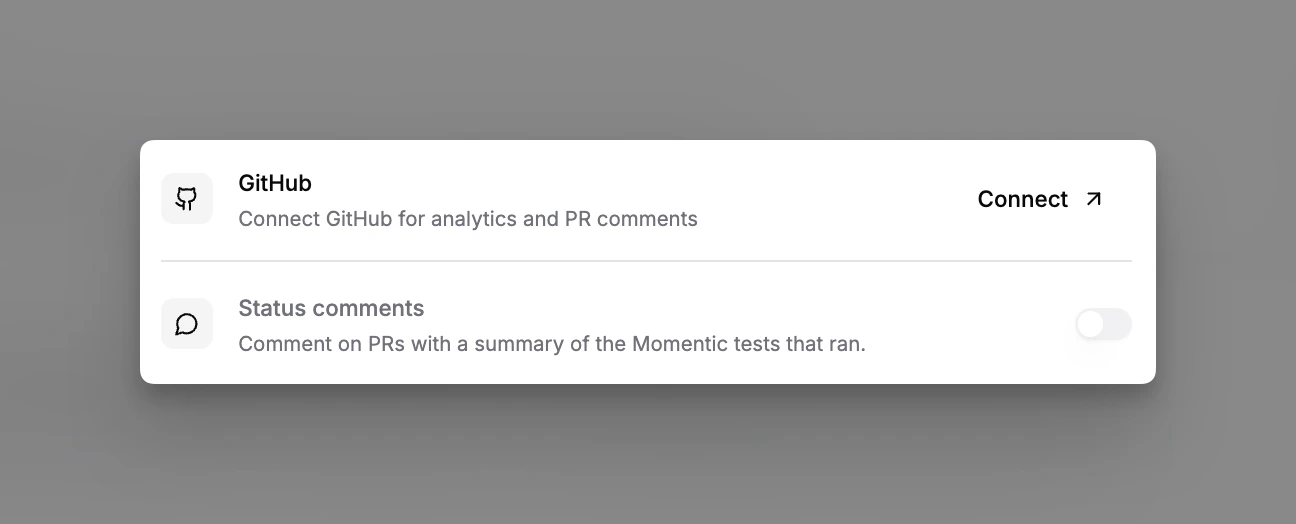
GitHub integration settings
Pull request comments
The Pull request comments section of the GitHub integration card controls what Momentic posts on the pull request for a branch:- Post pull request comments turns the status comment on or off for the workspace.
- Passing runs keeps a compact comment when every test passes. Turn it off to remove the Momentic comment once every run group for the commit has been evaluated and is passing. A failing or still-running group keeps the comment in place.
- Failure details picks what the comment shows for up to four unresolved tests: Failed tests lists each test with a direct run link and notes, and Run groups shows the run group summary instead.
Data flow
How a run becomes a PR comment:ai triage writes repaired test files, then
opens a PR through the app.
AI routing decides the target: a
commit on the branch under test when the branch caused the failure, a separate
PR against gitMainBranch when it did not, or a reference to an existing PR
when the fix already exists.
Permissions
The app requests repository permissions at install time. Two are worth knowing:- Issues or pull requests: write: required for the status comment. If a reviewer approved the app with a reduced permission set, comments silently skip.
- Contents: write: required for healing PRs and AI-routed commits. Without it, triage still analyzes but cannot deliver a PR.
Gotchas
- Subset installs. If you installed on selected repositories, PRs in other repos get no comment and heals cannot push there. Update the repo list on the installation’s GitHub page (org Settings > GitHub Apps > Momentic > Configure).
- Forks. Runs triggered on fork PRs comment on the upstream PR only when the app is installed on the upstream repo: the normal case. Runs inside the fork’s own repo need the app installed on the fork.
- Renames and transfers. Repository renames are followed by GitHub, but a repo transferred to a different org leaves the installation. Reinstall under the new org.
- One installation per workspace. A Momentic workspace can connect to one GitHub App installation. Disconnect the current installation before linking a different one.
Uninstall or disconnect
- From Momentic: disconnect on the GitHub card in Settings > Integrations. If other Momentic workspaces share the installation, this unlinks only the current workspace. Otherwise, it also uninstalls the GitHub App, preserving the behavior of an unshared connection.
- From GitHub: uninstall the Momentic app under the org’s Settings >
GitHub Apps (or Settings > Applications for a personal install). The
installation.deletedwebhook marks the Momentic side disconnected automatically.
Related
- GitHub Actions CI guide
- AI test maintenance
- Mo’s GitHub App for autonomous QA sessions