> ## Documentation Index
> Fetch the complete documentation index at: https://momentic.ai/docs/llms.txt
> Use this file to discover all available pages before exploring further.
# Request mocking
> Intercept network requests to serve fake data, override feature flags, or test error states.
Use **Mock route** steps to intercept requests and return your own responses.
Useful for testing frontends without a backend, overriding feature flags, or
forcing error states.
## Mocking a route
Example: capture `GET /todos` and return fake data. Set a URL matcher (and
optional method) on a **Mock route** step, then write a `responseGenerator` -
JavaScript that receives the intercepted `mock.request` and returns a
`Response`:
```yaml theme={null}
- mock:
regex: "/todos" # URL matcher; also accepts substring, glob, or domain
method: GET
responseGenerator: |
const url = new URL(mock.request.url);
const fakeTodo = {
id: url.searchParams.get("id"),
name: "My todo item",
done: false,
description: "An item that I need to do",
};
return new Response(JSON.stringify([fakeTodo]), {
status: 200,
headers: { "content-type": "application/json" },
});
```
## Modifying the real response
To override part of the real response (e.g. a single feature flag), set
`fetchOriginalResponse: true` (the editor's **Fetch real response** toggle) so
`mock.response` is populated before your generator runs:
```yaml theme={null}
- mock:
regex: "/api/flags"
fetchOriginalResponse: true
responseGenerator: |
const originalJson = await mock.response.json();
return new Response(
JSON.stringify({
...originalJson,
flags: {
...originalJson.flags,
momentic_test: true,
},
}),
{
status: mock.response.status,
headers: mock.response.headers,
},
);
```
## Referencing a mock
Each mock has a `key`, either configured on the step or auto-generated. Save the
step output to a variable to reference an auto-generated key later.
## Removing a mock
Use a `Remove route mock` step with the key to remove a specific mock. Omit the
key to remove all mocks.
## Updating a mock
Register a new mock with the **same key**. A different key with the same URL
matcher will not replace the existing mock.
## Debugging
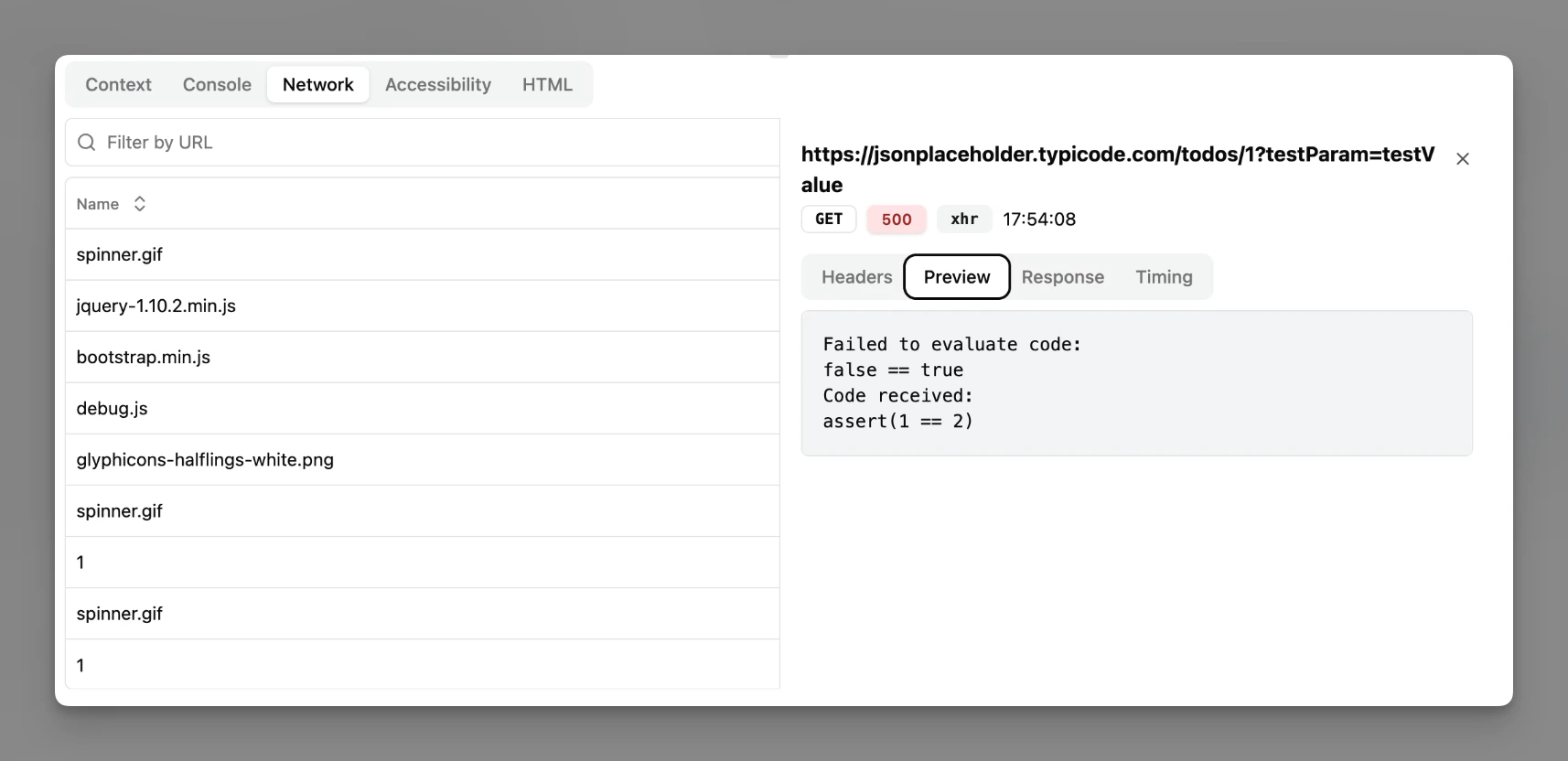
If a response generator throws, Momentic responds with status 500 and the error
message in the body, visible in your app and in Momentic's network viewer.